A Halloween event for your Discord server

We built a Halloween module. It's called Halloween Event, it shipped with Custom Bot v3.25.1, and it's free on every plan. Your members collect candy all through October and spend it in a shop you fill yourself.
You set it up once. After that it starts on October 1st every year and cleans up after itself in November.
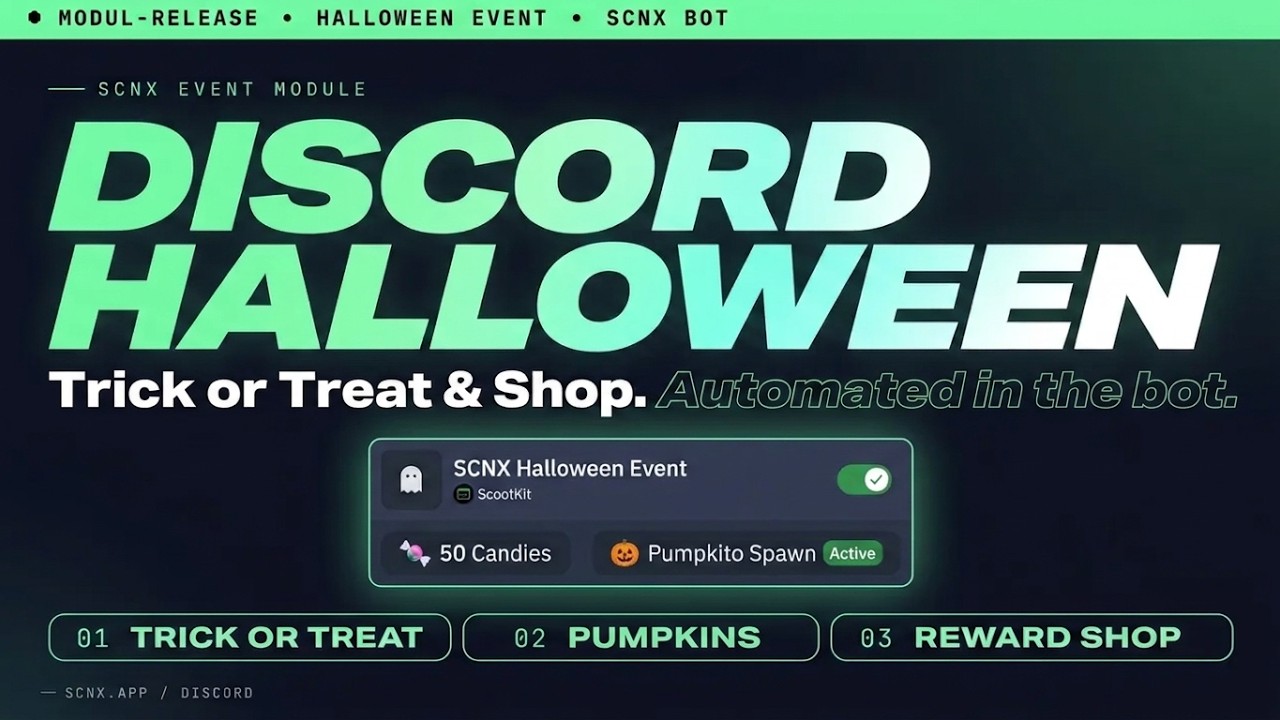
If you'd rather watch than read, here's the video:
What your members do
Once a day, members can run /trickortreat. Usually they get some candy, occasionally a jackpot. Every now and then
it's a trick instead: they lose a bit of candy, get a "haunted" role for a while, or the bot just scares them.
Pumpkins pop up in channels you choose. Some show up when people are chatting, some at random times. Whoever clicks the button first gets the candy.
Then there's /spook, which lets members try to steal candy from each other once a day. If the spook backfires, the
candy goes to the other person instead, which keeps things exciting. If you don't want spooking on your server, you can
turn it off.
On October 31st, trick-or-treating and pumpkins give double candy.
The shop
What /candyshop sells is up to you. If an item is a role, the bot hands it out right away. Anything else (a shout-out,
a custom emoji, whatever you come up with) gets posted to a channel of your choice so someone on your team can take care
of it. You can limit how many of an item exist and how often one person can buy it.
The leaderboard counts all the candy someone earned, not what they still have, so members can shop as much as they like without losing their place. After the event, the bot posts the final standings and keeps the shop open for another week. On November 8th everything resets for next year.
Testing it first
With test mode, you can try everything before your members see it. Turn it on, pick a channel, and the event runs there at any time of year. The first pumpkin drops right away.
Everything that happens in the test channel is separate from the real event. When you switch test mode off, the bot removes it all again, including roles it handed out during the test.
Setting it up
Enable the module in your module list, pick channels for pumpkins and the leaderboard, and add a few shop items. The rest has defaults that work fine. It's already October, so the event starts as soon as the module is on. The documentation has every setting and the permissions the bot needs.
What else is in v3.25.1
The other big change in this release is backups. Your own bot now takes them, not the SCNX bot. For that, your bot has to run on one of our Next-Gen hosts. Backups the SCNX bot made before are still there. The bot also now warns you when something in your configuration can't work, for example a role it isn't allowed to hand out. Plus a lot of smaller fixes, all listed in the changelog.
Restart your bot once to get the update.
If something doesn't work, open a ticket at scnx.app/help. Have fun with it.
Greetings from Munich,
- Simon